Rezervito: Booking & Deposits
Booking deposits through your own Shopify checkout
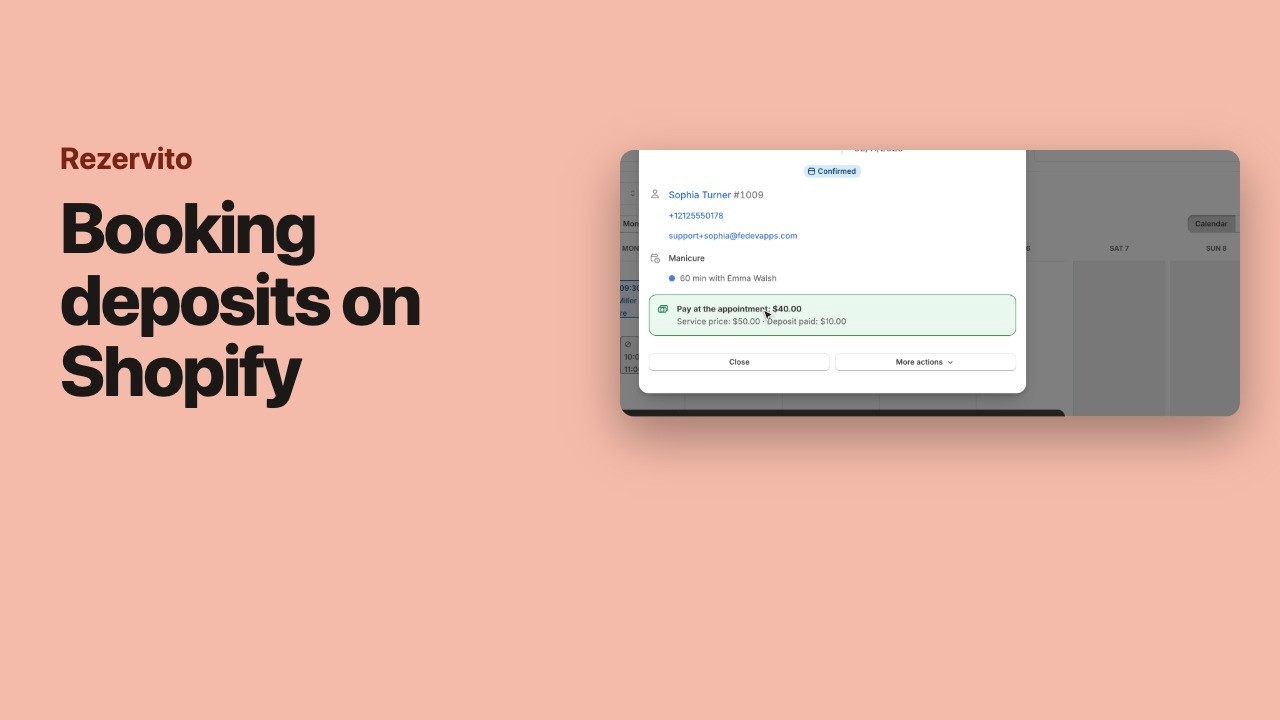
Rezervito lets each service ask for a deposit or the full price when a customer books it online. The customer pays through your store’s own Shopify checkout, the booking is confirmed once they pay, and the money reaches your store like any other order.
Three choices per service
- No payment required — the customer pays at the appointment.
- Deposit required — a fixed amount or a percentage of the price now, the rest at the appointment.
- Full payment required — the whole price online.
For example, a €60 service with a 20% deposit asks for €12 online, and the booking shows €48 to pay at the appointment. A staff member can have their own payment choice for a service, alongside their own price and duration.
What the customer sees before paying
Before they pay, the booking window shows the deposit and what happens to it if they cancel, written from your settings — for example: “€12.00 deposit. Refundable if you cancel at least 24 hours before. Non-refundable after that.” The first time a customer hears about your policy is not the moment you keep their money.
The time is held while they pay
A booking that needs a payment waits as Awaiting deposit, and nobody else can book its time. For bookings made on your store the hold is 10, 15, 30 or 60 minutes (15 to start with); when it runs out unpaid, the booking is cancelled and the time is free again. Bookings you or your staff make get a payment link by email and are held for 24 hours, never past the booking’s start.
A visit with several services is paid once, in one checkout, with one line per service that takes a payment.
Refunds
- You or your staff cancel — the cancel window offers to refund the deposit, ticked to start with.
- The customer cancels in time — refunded, or kept if you choose so in Settings.
- The customer cancels late or doesn’t turn up — kept, and deducted from any no-show fee.
- A shop closure cancels bookings — refunded.
Refunds go back through Shopify to the way the customer paid. If Shopify can’t make one, the booking says Refund failed and you can try again or refund it in Shopify yourself.
Deciding whether to ask for a deposit at all? Our guide should you charge a booking deposit? walks through it, and the deposit policy template gives you the wording.
Questions
Where does the deposit money go?
To your store, like any other Shopify order. Customers pay through Shopify's own checkout, and Rezervito takes no commission on bookings.
What happens if the customer doesn't finish paying?
The booking waits as "Awaiting deposit" and its time is held. When the hold runs out unpaid — 15 minutes to start with for bookings made on your store — the booking is cancelled and the time is freed for someone else.
Can I make a booking for a customer without taking the deposit?
Yes. For a booking you or your staff make, you can skip the payment, or send the customer a payment link instead. A booking waiting for a payment link is held for 24 hours, but never past its start.
Is the deposit refunded when a customer cancels?
An in-time cancellation refunds it, unless you choose to keep it. A late cancellation or a no-show keeps it, and the deposit is deducted from any no-show fee, so the customer never loses the deposit and also owes the whole fee.